timer.new — the fastest online timer
The fastest timer on the internet
Type the URL. Hit space. Done.
No signup. No popups. No microwave-chime nightmare. Just a beautiful timer that you can start in two keystrokes and share with anyone — even after you close the tab.
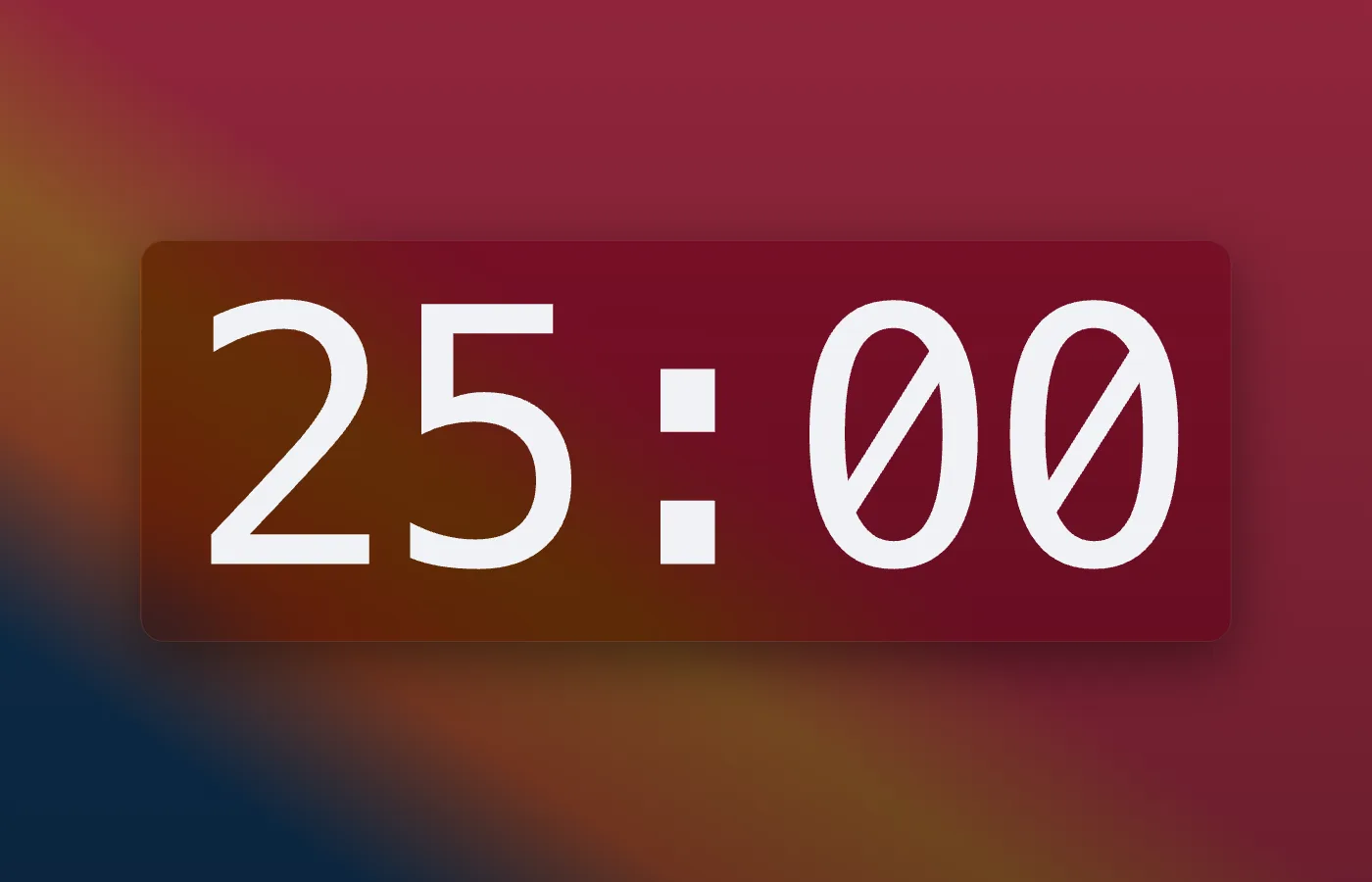
Zen mode — press Z
Free, forever
The core is free. And generous.
Most people will never need to upgrade. Here's what you get without paying us a cent.
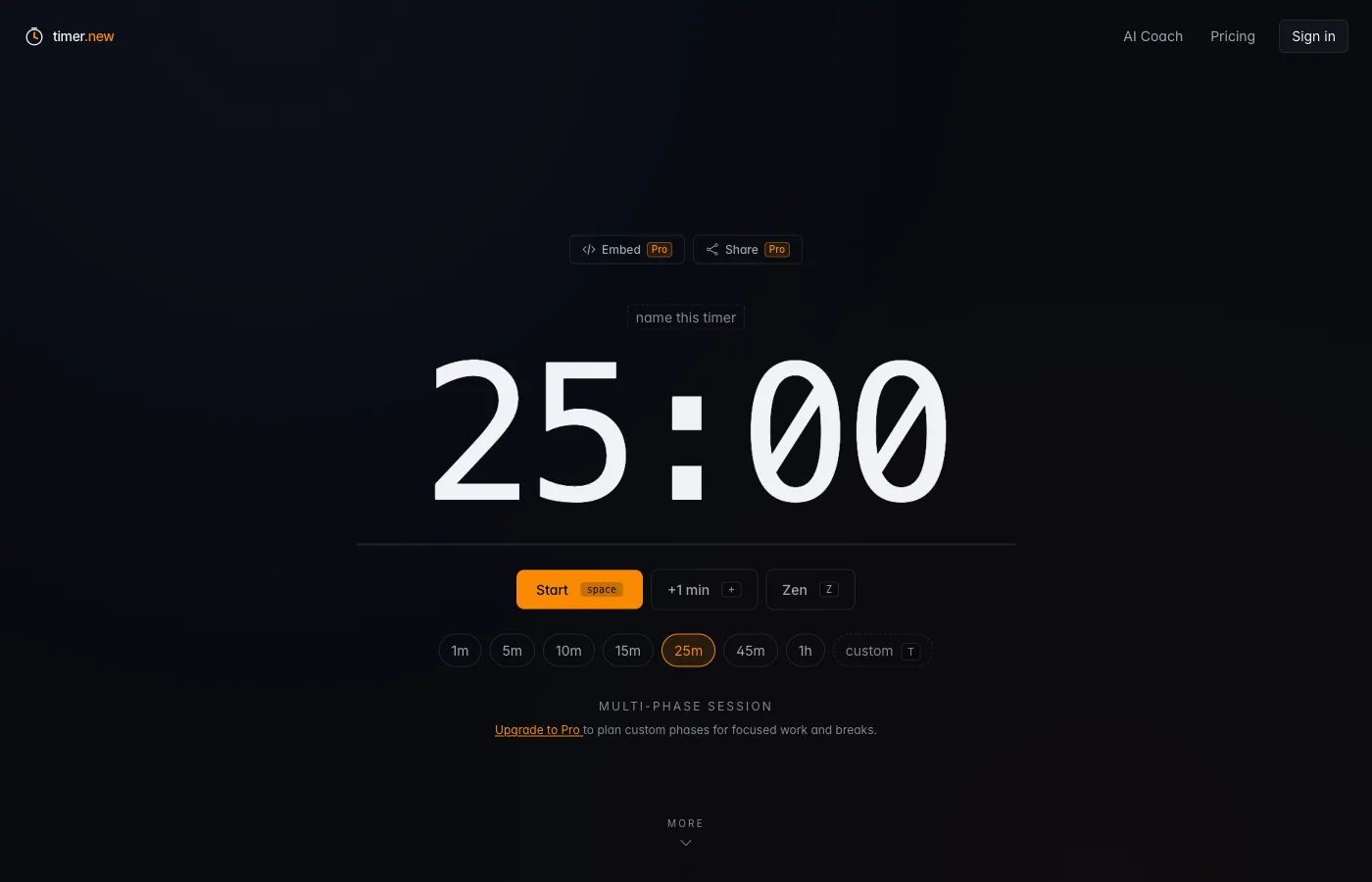
Start it in two keystrokes
Type your duration. Hit space.
Open timer.new, type 25m, hit space. The URL is the timer — share it and your colleague sees the same countdown live in their browser.
- Type a duration the way you'd say it — 25m, 1h30m, 1:30:00
- Preset chips for the durations you actually use
- Tab title counts down so it's visible from any other app
Try one →
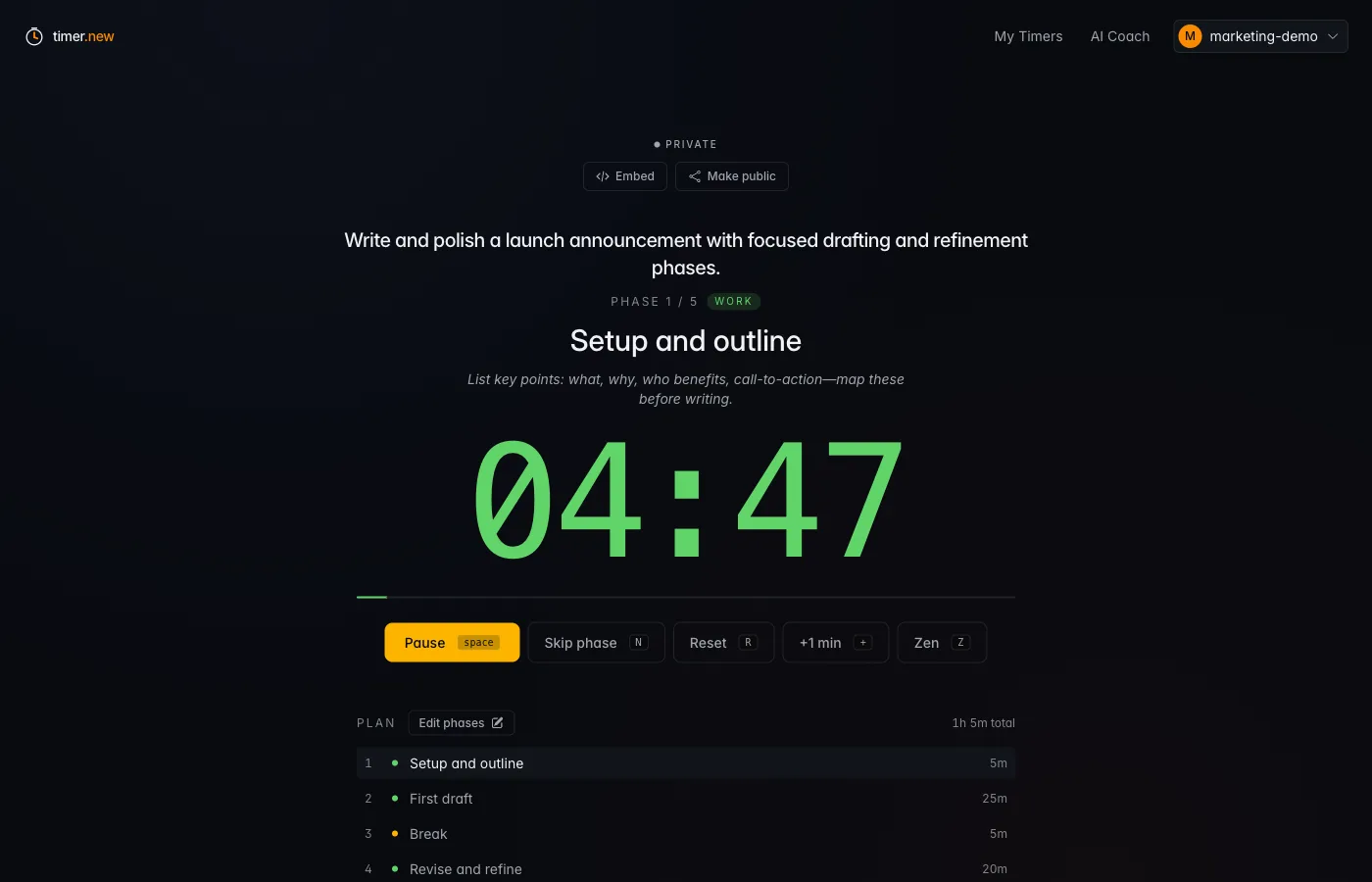
Multi-phase sessions
Plan your work in blocks, not minutes.
Build a sequence of work, break, and review phases. The runner walks you through each one with a tactical tip, a colored progress bar, and one-keystroke skip / pause / restart.
- Work, break, and review phases with their own colors
- Per-phase tips so you actually remember what to do
- Jump phases, skip ahead, or extend any phase by a minute
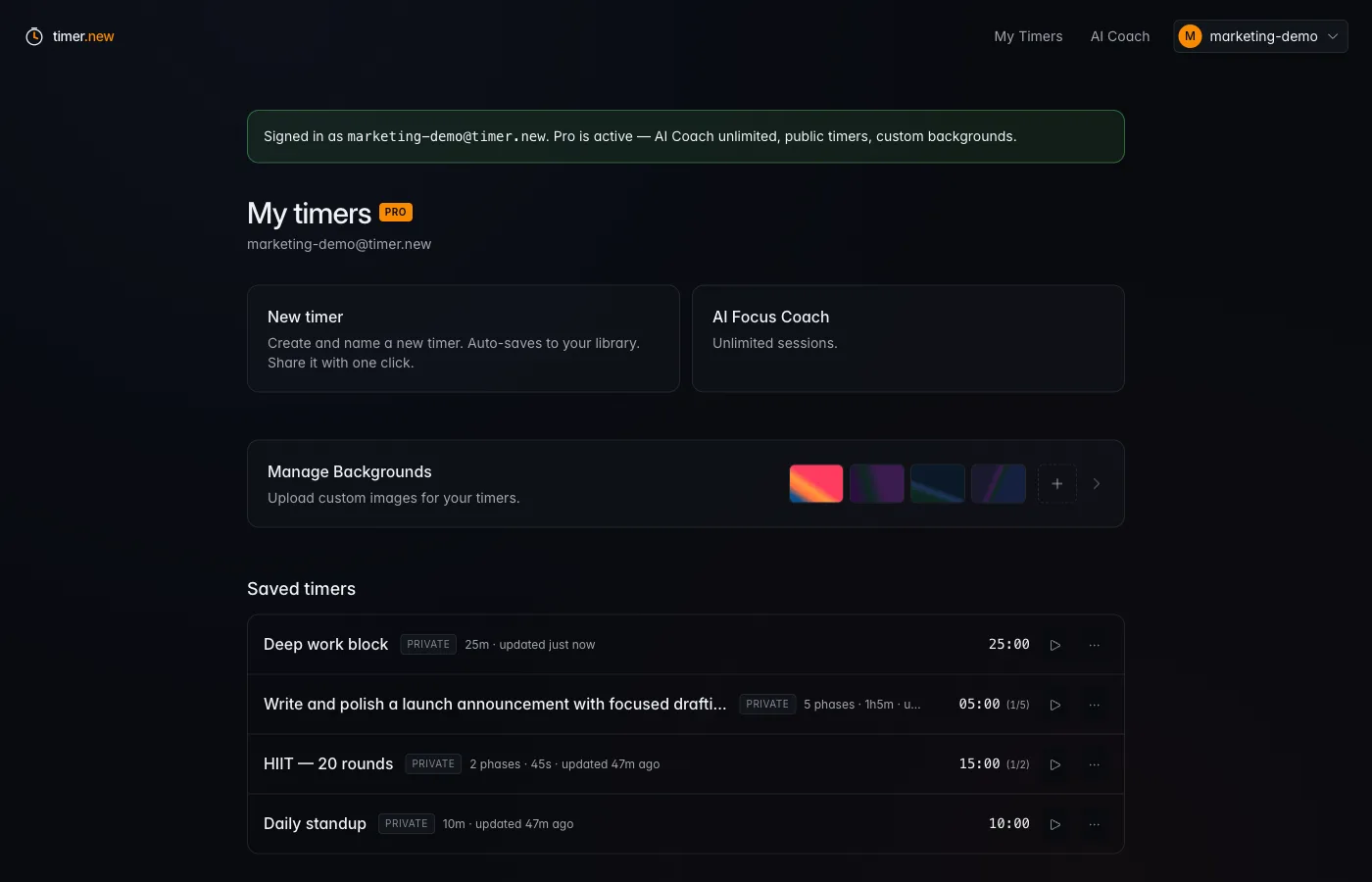
Save your library
Your timers — one tap away, forever.
Sign in (free) and every timer you name is auto-saved. Standup, HIIT, study block, oven timer — open the dashboard, hit play, get back to work.
- Auto-saves as you type — no "Save" button hunting
- Public/private toggle, last-updated, total duration at a glance
- Free plan includes saved library + 3 AI Coach sessions / month
Zen mode
Just the numbers. Nothing else.
One keystroke (Z) dims every button and lets the timer breathe. Your background, if you have one, blooms behind. The tab title still counts down so you can switch apps without losing the clock.
- Press Z to enter, Z again to exit
- Works in every mode — single, phased, room, embed
- Your background image fills the screen when there's nothing else to distract
Pro — $6/mo
When timer.new becomes your daily tool.
Unlimited AI Coach, public rooms, embeds, custom backgrounds, broadcast messages. $48/year if you'd rather pay once.
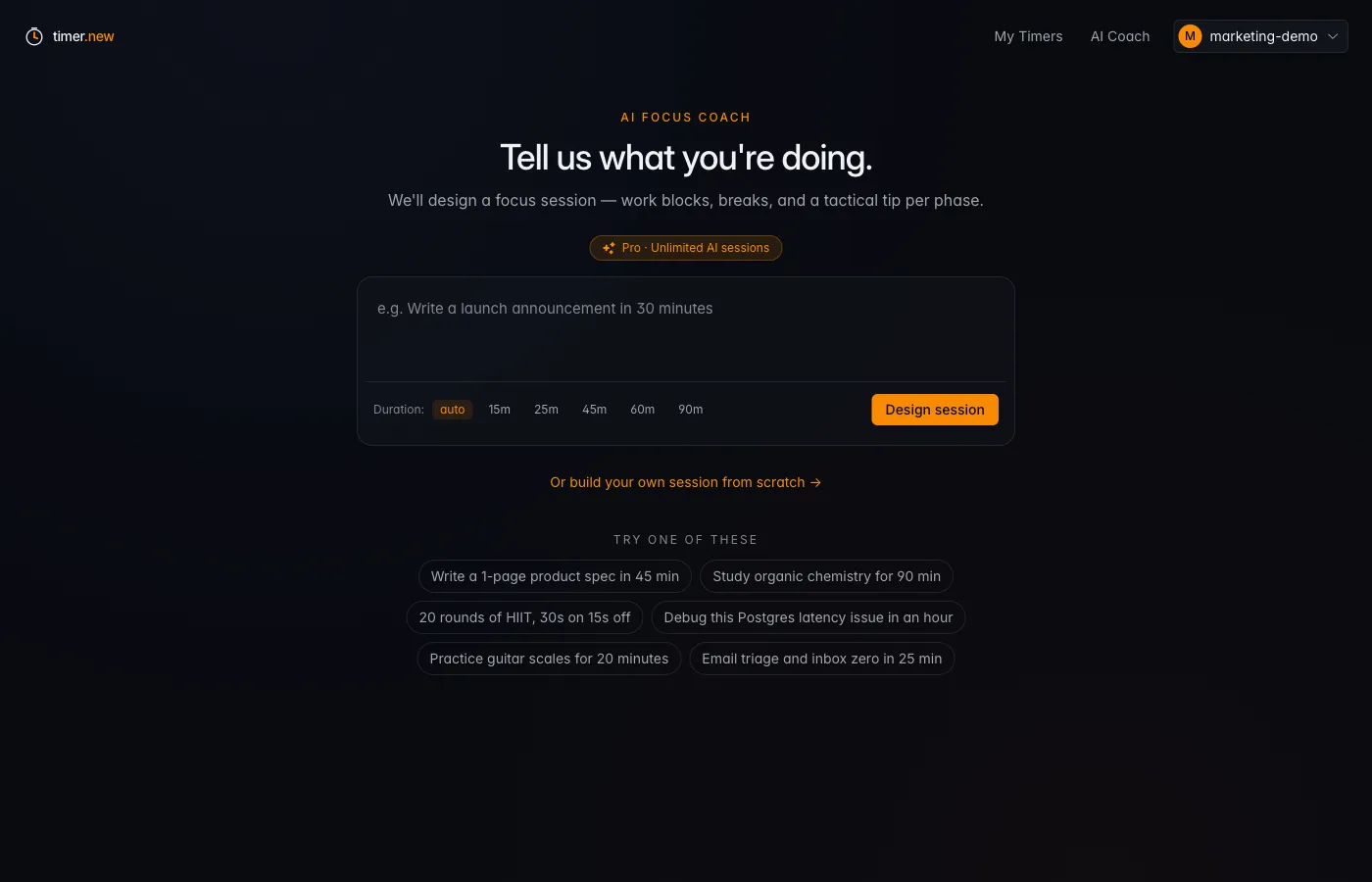
AI Focus Coach
ProTell it what you're doing. It plans the session.
Stuck on "how should I split the next hour?" Type the goal, pick a duration, and Claude designs a multi-phase plan tailored to your task and energy level — with a tactical tip for every phase.
- Trained on focus-protocol literature, not vibes
- Outputs a real phased session you can run immediately
- Free plan ships 3 sessions/month — Pro is unlimited
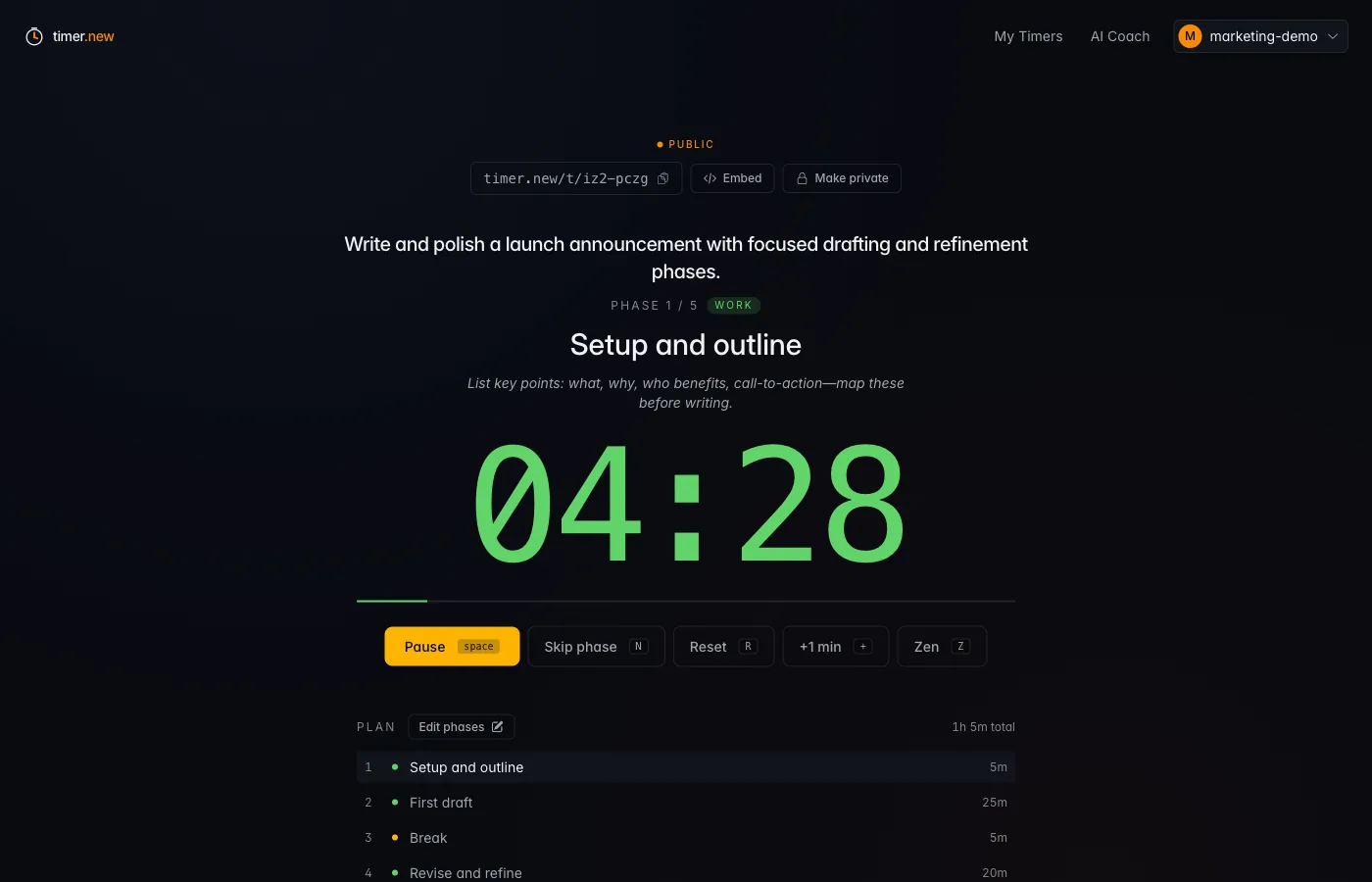
Public timer rooms
ProOne URL. Everyone sees the same countdown.
Flip a timer public and get a shareable URL. Real-time sync via WebSockets — standups, study groups, livestream countdowns, classroom timers. Everyone joins from the link, no signup required.
- Real-time sync — start/pause/skip propagates instantly
- Broadcast a moderation message to everyone watching
- Owner can make a timer private again with one click
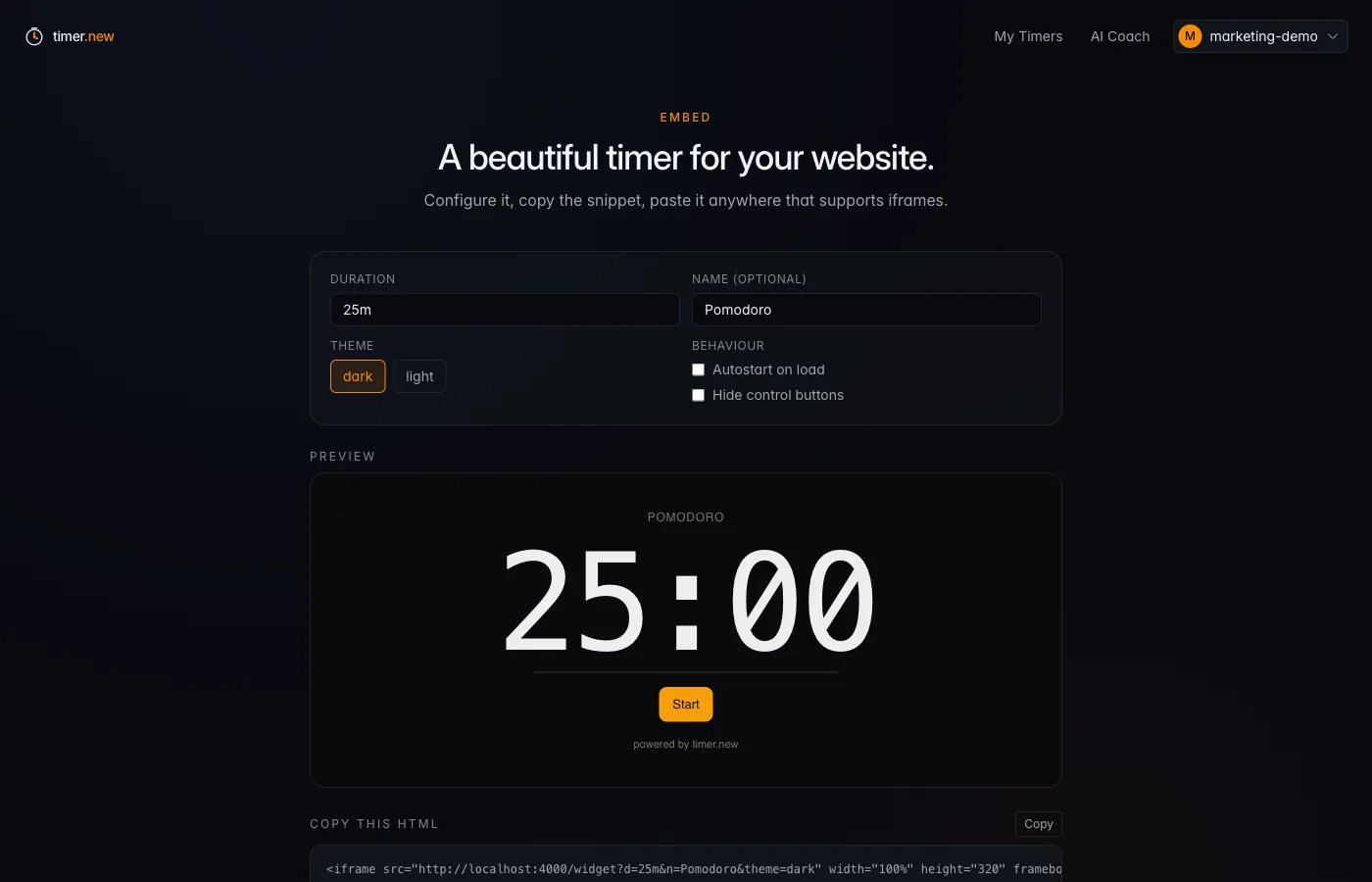
Embed anywhere
ProA beautiful timer that drops into your stack.
One iframe, your colors, no logo. Notion, OBS, your landing page, an internal dashboard — paste the snippet and ship. Theme it, autostart it, hide controls for a kiosk feel.
- Dark or light theme, with or without controls
- Autostart for kiosks, livestreams, classroom timers
- Works as a saved timer or a one-shot duration URL
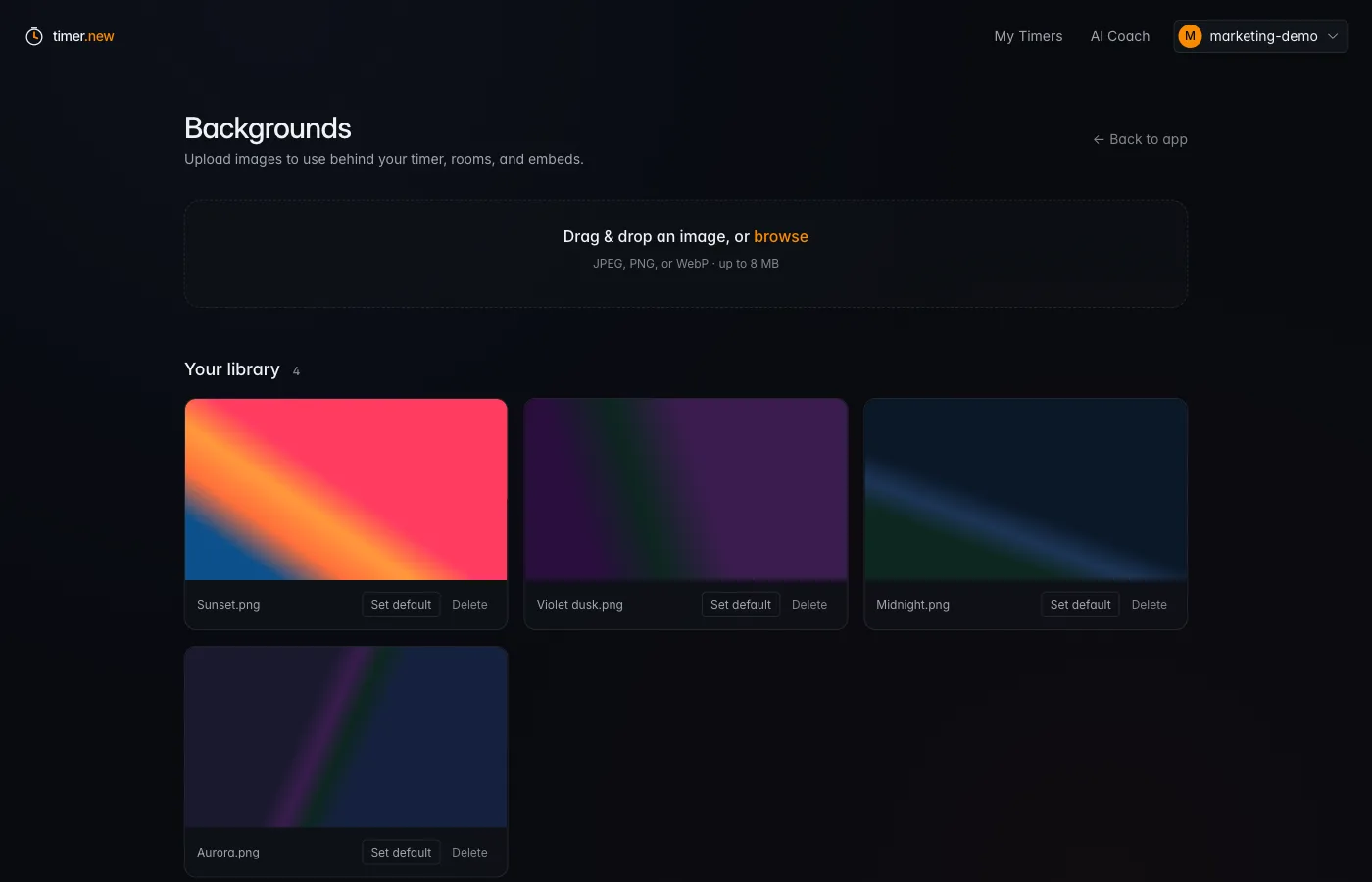
Custom backgrounds
ProMake the timer feel like yours.
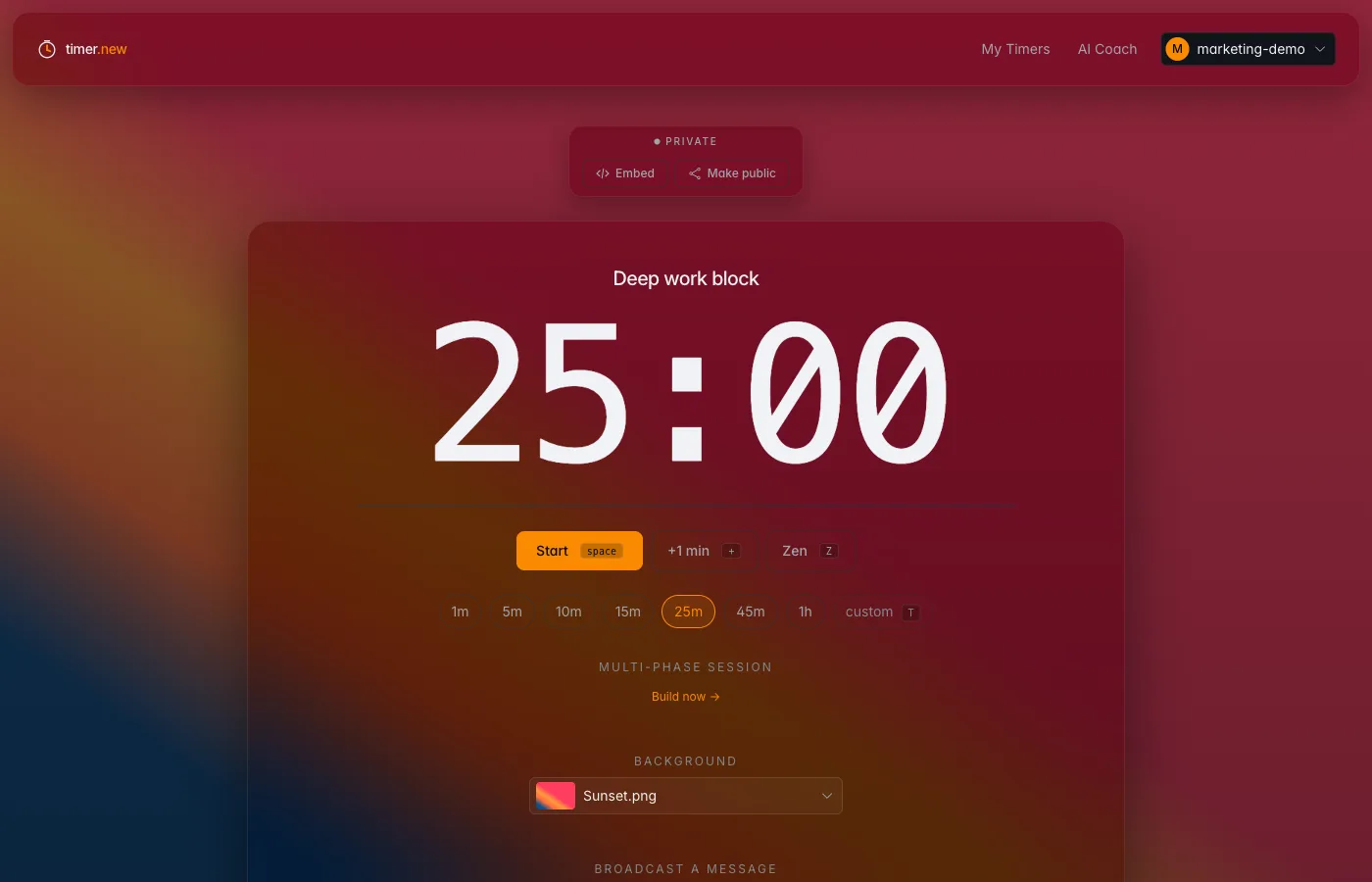
Upload your own focus visuals (JPEG, PNG, WebP up to 8 MB) and curate a personal library. The chrome dims around your image so the numbers stay center stage.
- Pick a different background for every saved timer
- Or set a personal default for new timers
- Renders in shared rooms and embeds too
Branded rooms
ProYour timer, your aesthetic — everywhere it shows up.
Apply a background to a saved timer once and it travels with the room — public viewers, your embed on the marketing page, the kiosk on the wall behind the desk. Pair it with a custom name and a broadcast message and you've shipped a branded countdown without a single line of code.
- Background follows the timer into rooms, embeds, and Zen mode
- Broadcast a moderation message to everyone watching the room
- Name the timer and the tab title updates everywhere instantly
And the small stuff
The details that make it feel finished.
Zen mode
One keystroke (Z) dims the chrome and floats the numbers. Designed for the moment you stop fiddling and start working.
Hotkey-first
Space starts and pauses. R resets. T edits. N skips a phase. + adds a minute. Built for people who don't reach for the mouse.
Shareable URLs
Every URL is a working timer. Send a colleague /25m and they get a 25-minute timer that autostarts.
PWA, zero install
Install it as a desktop app or to your home screen. Native notifications. A chime that doesn't sound like a microwave.
Slack slash command
/timer 25m standup drops a live, embeddable countdown into your channel. Everyone watches the same clock.
Privacy-respecting
Anonymous usage is fully anonymous — nothing on our servers. Analytics is opt-in. Strictly-necessary cookies only by default.
One URL, every use case.
People reach for timer.new across deep work, meetings, study, fitness, cooking, livestreams, and the kids' screen time.
"I need to write a draft in the next hour."
AI Coach splits 60min: 8m plan → 40m write → 5m walk → 7m polish.
"Our standup runs long."
Open timer.new/t/standup, set 10min, everyone sees the same countdown in their browser.
"I want focused study blocks."
Press T → type 25m → hit space. Repeat for life.
"I run countdowns to events."
Embed the OBS-friendly widget, no logo, custom theme.
"Multiple things on the stove."
Open multiple tabs. Each URL is its own timer.
"HIIT intervals."
AI Coach: '20 rounds, 30s work 15s rest' → done.
Get serious about your time.
Free forever for personal use. Pro is $6/mo — AI Focus Coach unlimited, public timers, branded embeds, saved sessions.